Google Map Static Overlay Widget
Preview
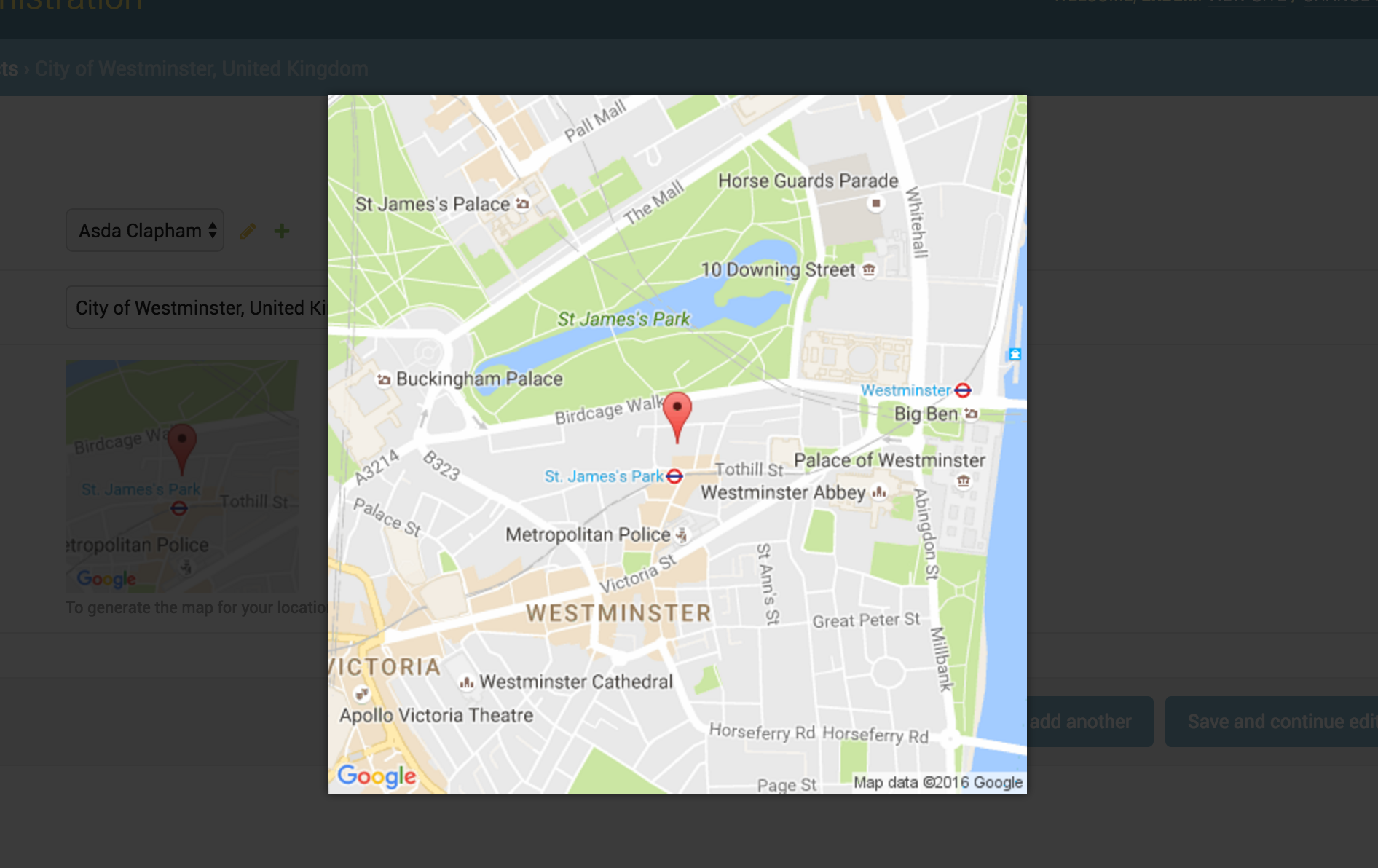
This widget is working with Magnific Popup jQuery plugin. The plugin javascript file load with the widget static files.
Usage
You can also use all static map features in this widget. Besides you can give a thumbnail_size value.
Here is the all default settings attribute for google static overlay map widget.
MAP_WIDGETS = {
    "GoogleStaticMapMarkerSettings": {
        "size": "normal",
        "color": "",
        "icon": ""
    },

    "GoogleStaticOverlayMapWidget": {
        "zoom": 15,
        "size": "480x480",
        "thumbnail_size": "160x160",
        "scale": "",
        "format": "",
        "maptype": "",
        "path": "",
        "visible": "",
        "style": "",
        "language": "",
        "region": ""
    },

    "GOOGLE_MAP_API_SIGNATURE": "",
    "GOOGLE_MAP_API_KEY": "",
}
Google Map APIs configuration
In order to use this widget, you need to enable Google Map static API in your google application configuration;
Settings
In your django settings.py file, add your MAP_WIDGETS config:
MAP_WIDGETS = {
    "GoogleStaticMapWidget": {
        "zoom": 15,
        "size": "320x320",
        "thumbnail_size": "100x100",
    },
    "GoogleStaticMapMarkerSettings": {
        "color": "green",
    },
    "GOOGLE_MAP_API_KEY": "<google-map-api-key>"
}
Django Admin
from mapwidgets.widgets import GoogleStaticOverlayMapWidget

class CityAdmin(admin.ModelAdmin):
    formfield_overrides = {
        models.PointField: {"widget": GoogleStaticOverlayMapWidget}
    }
Django Forms
from mapwidgets.widgets import GoogleStaticOverlayMapWidget

class CityDetailForm(forms.ModelForm):

    class Meta:
        model = City
        fields = "name": "coordinates", "city_hall"
        widgets = {
            'coordinates': GoogleStaticOverlayMapWidget,
            'city_hall': GoogleStaticOverlayMapWidget(zoom=12, size="240x240"),
        }