Installation
Django Map Widgets supports Django 4.x-5.x and Python 3.9+.
Install the package:
pip install django-map-widgets
Add mapwidgets to your INSTALLED_APPS in settings.py:
INSTALLED_APPS = [
    ...
    'django.contrib.sessions',
    'django.contrib.staticfiles',

    'mapwidgets',
]
Run the collectstatic command to ensure static files are correctly collected before using the widgets in production:
python manage.py collectstatic
Usage
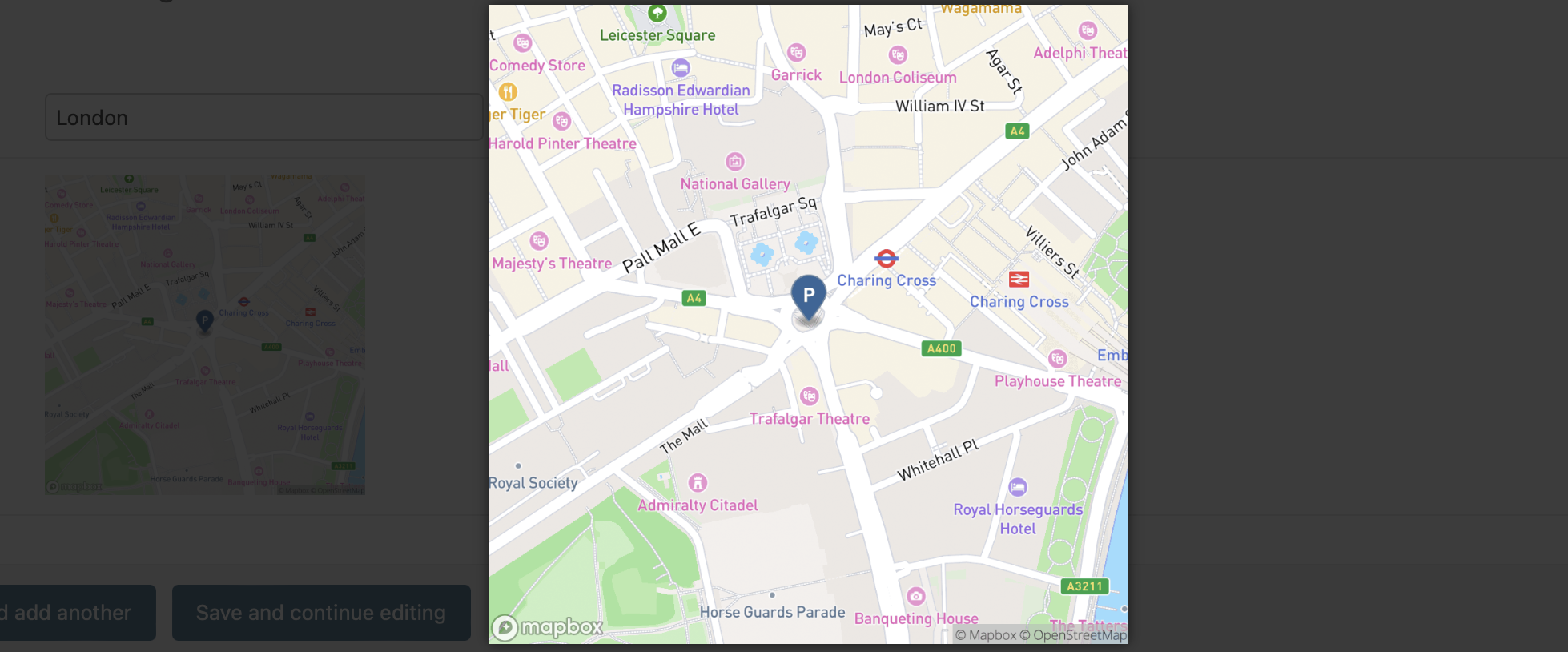
All map widgets in Django Map Widgets can be easily initialized with GeoDjango form fields just like any other Django widgets. For a quick overview and examples of widget usage, you can explore our demo project available in the GitHub repository. Additionally, you can run the demo project locally by following the steps in the project readme files.
Django Admin Usage Example
from django.contrib.gis.db import models
import mapwidgets


class CityAdmin(admin.ModelAdmin):
    formfield_overrides = {
        models.PointField: {"widget": mapwidgets.GoogleMapPointFieldWidget}
    }
** Django Forms Usage Example**
from mapwidgets.widgets import GoogleMapPointFieldWidget, MapboxPointFieldWidget


class CityForm(forms.ModelForm):
    class Meta:
        model = City
        fields = ("coordinates", "city_hall")
        widgets = {
            'coordinates': GoogleMapPointFieldWidget,
            'city_hall': MapboxPointFieldWidget,
        }
When the map widgets are used in Django web views with forms, Remember to include {{ form.media }} template tag in the view templates.
<html>
<head>
    <title>...</title>
    {{ form.media }}
</head>
<body>
    ....
    <form method="POST" action="">
        {% csrf_token %}
        {{form.as_p}}
    </form>
</body>
</html>
Configuration
The JavaScript map rendering behavior of the widgets can be customized by providing MAP_WIDGETS configuration in your project’s settings file. For detailed guidance on map customization options, refer to the settings guide.
Example Settings
GOOGLE_MAP_API_KEY = os.getenv("GOOGLE_MAP_API_KEY")
MAPBOX_ACCESS_TOKEN = os.getenv("MAPBOX_ACCESS_TOKEN")

MAP_WIDGETS = {
    "GoogleMap": {
        "apiKey": GOOGLE_MAP_API_KEY,
        "PointField": {
            "interactive": {
                "mapOptions": {
                    "zoom": 15,  # set initial zoom
                    "streetViewControl": False,
                },
                "GooglePlaceAutocompleteOptions": {
                    "componentRestrictions": {"country": "uk"}
                },
            }
        }
    },
    "Mapbox": {
        "accessToken": MAPBOX_ACCESS_TOKEN,
        "PointField": {
            "interactive": {
                "mapOptions": {"zoom": 12, "center": (51.515618, -0.091998)},
                "markerFitZoom": 14,
            }
        },
    },
    "Leaflet": {
        "PointField": {
            "interactive": {
                "mapOptions": {
                    "zoom": 12,
                    "scrollWheelZoom": False
                }
            }
        },
        "markerFitZoom": 14,
    }
}
JQuery Requirement
jQuery is required for Django Map Widgets to function in regular Django views. However, if the widgets is being used within the Django Admin, jQuery does not need to be provided separately. Any map widget class can be configured as described in the documentation, and they will work out of the box.
Preferable jQuery version is 3.7-slim.
Screenshots
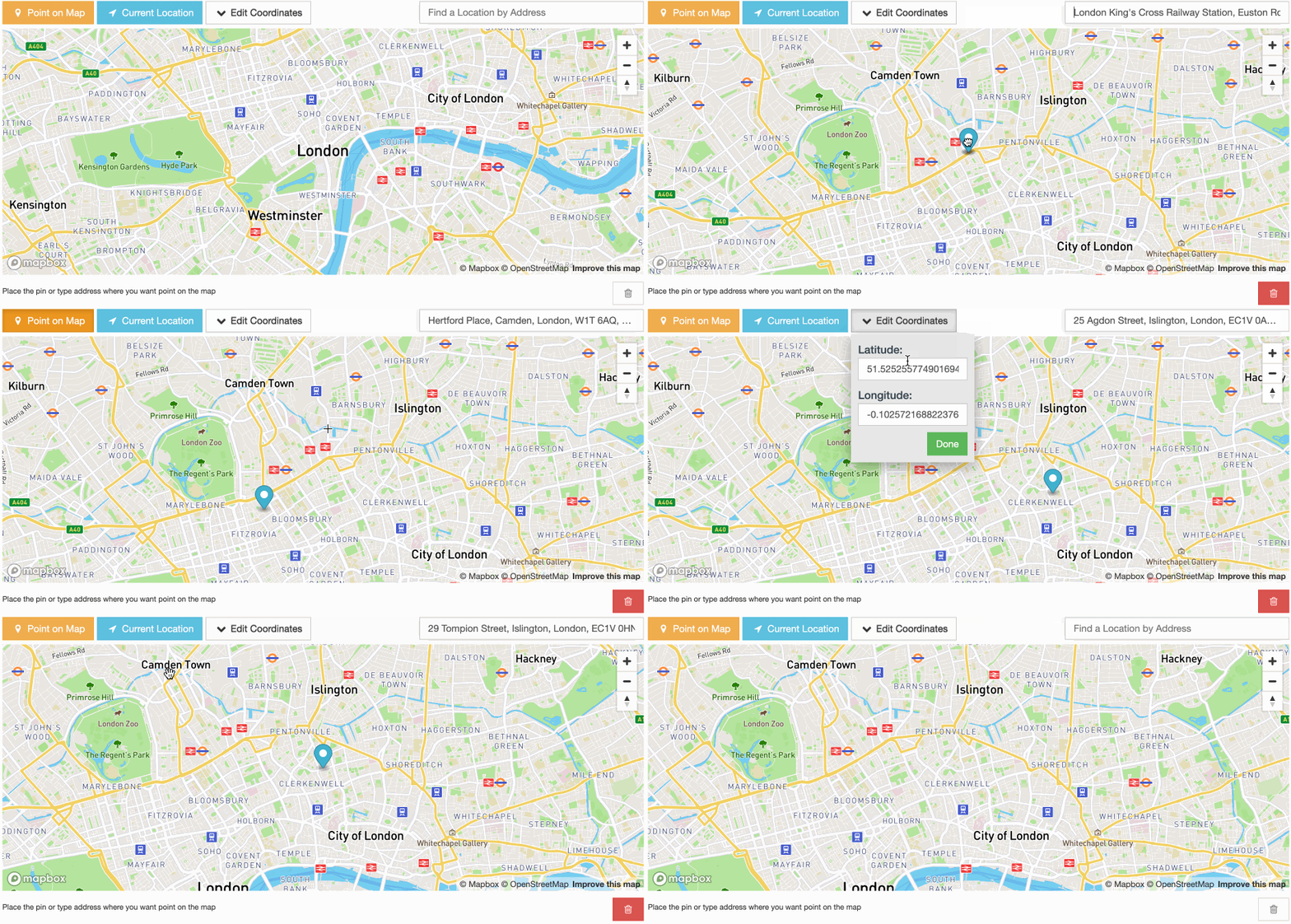
MapBox Interactive Point Field Widget
GoogleMap Interactive Point Field Widget
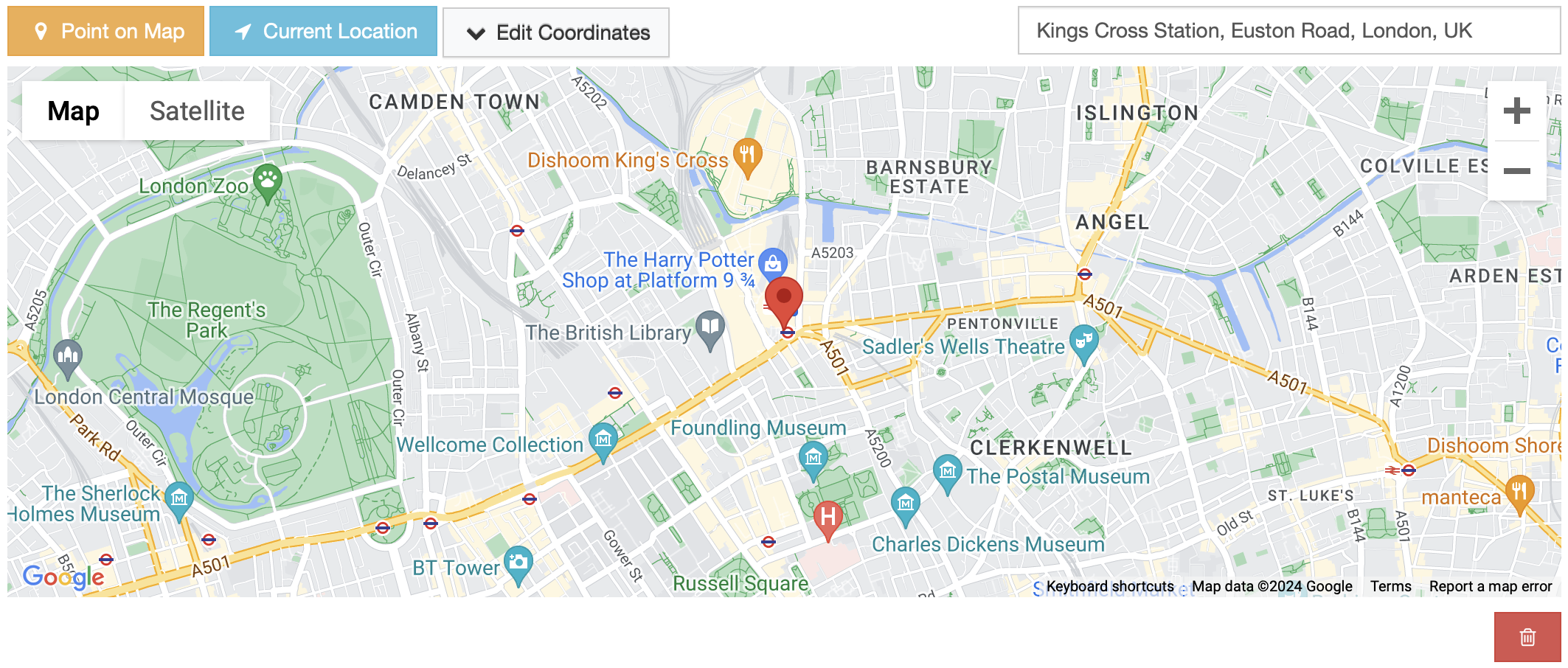
GoogleMap Interactive Point Field Widget